WebInfo
Change Program Process for Incoming Freshmen. |
Procedure for Processing of Change Program
|
Step 1
Open your account in the online application portal and click on the tab Apply for Change Program. Select the new program you are applying apply for and comply with the indicated requirements in the portal and click SAVE for confirmation.
Wait for the notification approval of your change program request before you proceed to Step 2. Upon your approval, kindly proceed with the resubmission of your admissions application. You may check on the progress of your application in the portal.
IMPORTANT: There are college programs that require a dean’s interview before final approval of application. Failure to attend the scheduled interview and/or submit additional requirements may result in the rejection of your admissions application.
- All successfully processed applicants will be emailed a NEW ADMISSIONS CLEARANCE. It serves as proof of admission to your chosen college course. The admissions clearance is also required for Step 2 below.
Step 2
Pay the required down payment of Php3,000.00. Online and over-the-counter payment options are available. Please check the online application portal for the list of accredited banks and payment centers.
IMPORTANT: If you are a recipient of a Xavier Ateneo Scholarship, you may skip this step and proceed to Step 4 below. Register for the online enrollment and upload the Notice of Scholarship Award (NSA) in lieu of the validated down payment slip.
- Please wait for a payment clearance notification before proceeding to Step 3 below.
Step 3
Online Enrollment and Offer Acceptance
Prepare clear photos or scanned copies of the following documents for uploading and accomplish all fields of the online form correctly:
- a) Clearance Slip from the XU Clinic
- b) Signed Data Privacy Consent Form (downloadable from the enrollment registration form)
- c) Self-Declaration Form for Special Needs, if any
IMPORTANT: Submit the hardcopy of your report card (with remarks eligible for college admissions and duly signed by the School Principal) or Transfer Credentials (for Transferee), PSA Birth Certificate, and Clearance Slip from XU Clinic to the University Registrar, Lucas Hall Ground Floor. You will not be term-activated (i.e., you cannot enroll your subjects) unless these documents are received and evaluated by the University Registrar.
- After submitting the requirements for enrollment, kindly wait for the email about the status of your enrollment registration. If successful, you will receive the login credentials to your Student Lifecycle Management and Information System (SLMIS) account. Class schedules and other related information can be viewed in the SLMIS.
POST – ENROLLMENT
Attend the required Orientation Seminar (ORSEM) for new Xavier Ateneo students. Follow @XUORSEMNow on Facebook for updates.
A. Testing & Admissions
Step 1. Interview with the OICN director
Write an Application Letter to the Director of the Office of International Cooperation and Networking (OICN). Email your letter to: This email address is being protected from spambots. You need JavaScript enabled to view it..
Wait for the OICN Director Approval Letter to proceed with registration.
Register here and be ready to upload the following requirements:
- Valid Passport (Bio page)
- Visa
- Personal History Sheet (Downloadable CHED Form)
- Transcript of Records or Grade 12 Report Card
- Valid School ID or Certificate of Enrollment with your photo (Front and Back Page)
- Recent photo (with white background 2 x 2)
- Birth Certificate/KOSEKI/Family Relation Certification (with English Translation)
Step 2. Apply & register online
Take and Pass the Xavier Ateneo Entrance Examination for Higher Education. Details of the online registration process and examination dates can be found here.
IMPORTANT REMINDERS: Upload Clearance Notice from OICN during registration. Once approved, wait for an email from the Testing and Admissions Office or log in to your account to access your Permit-to-Exam. This exam permit confirms your application has been approved. Read the instructions in the exam permit for further details.
- Please wait for an email notification for the release of Test results before you proceed to step 3.
Step 3. Confirmation of College Course Preference
Open your account in the online application portal LINK and click on Admissions to select the college course you are applying for. Accomplish all online form fields correctly, upload documentary requirements, if any, and click SAVE for confirmation.
- Please allow 2-3 working days to verify your application. You will receive an update on the status of your program application after a thorough review process has been completed. You may also check the progress of your application in the portal.
IMPORTANT REMINDERS: There are programs that require the Dean’s interview before final approval of your application. Failure to attend the scheduled interview and/or submit additional requirements may result in a delay or rejection of your admissions application.
- All approved applicants will be emailed an ADMISSIONS CLEARANCE. It serves as proof of admission to your chosen program and provides detailed instructions related to enrollment. The admissions clearance is also required for Step 4
B. Enrollment
Step 4. Downpayment of school tuition fee
Pay the required down payment of Php3,000.00. You may choose either online or over-the-counter payment. Check your online admissions account in the portal for the list of accredited banks.
Kindly refer here for details of the online enrollment process.
- Please wait for a payment clearance notification before you proceed to step 5
- International applicants who are required a student visa, should bring to OICN the required documents for assistance on the application for conversion to a student visa. Checklist for Conversion to Student Visa
Upon compliance with the above requirements, the admitted international student is ready to enroll.
Step 5. Online Enrollment and Offer Acceptance
*IMPORTANT REMINDER: All documents issued abroad must be authenticated. The authentication must be done by the Philippine Foreign Service Post (PFSP) or embassy located in the student applicant’s country of origin or legal residence. The English translation needs to be authenticated as well.
- All international student applicants should comply with the Bureau of Immigration requirements of the Republic of the Philippines. Detailed procedures for conversion of Tourist visa (9a) can be downloaded at immigration.gov.ph
- The “no valid visa/no SSP, no enrollment” policy is strictly implemented in compliance with Executive Order (EO) 285.
Prepare clear photos or scanned copies of the following documents for uploading and comply with the indicated requirements in the portal.
- Clearance Slip from XU Clinic (Please bring a recent 1x1 ID picture and ballpen for filling up the health record. Submit the ID picture to the clinic staff.)
- Signed Data Privacy Consent Form (downloadable from the enrollment registration form)
- Psychological Clearance Card from the Guidance & Counseling Office
Step 6. Proceed to the University Clinic for Medical & Dental Exams.
Go to the University Clinic (Campion Hall Room 105) for a medical and dental exam. Bring a recent 1x1 ID picture, vaccination card (hard or soft copy), and a ballpen for filling up the health record. Secure a clearance slip from the clinic personnel.
Step 7. Proceed to the Guidance and Counseling Office for the schedule of your Psychological Exam.
Pre-register for the Psychological Exam schedule manually at the Guidance and Counseling Office (Lucas Hall Room 101). Please secure your clearance card. For students who have enrolled already but were not able to schedule their Psychological Exam, please inquire at the GCO.
Step 8. Submit a Hard Copy of Pertinent Documents to the University Registrar.
For incoming freshmen, submit a SHS Report Card (with remarks eligible for admission to college and duly signed with a wet signature by the Principal). For transferees, submit the hard copy of your Transfer Credentials. Submit these alongside the clearance slip from the University Clinic and Guidance and Counseling Office, and the original copy of your PSA Certificate of Live Birth.
For International students, submit the following documents:
- Apostille academic records
- Photocopy of Birth Certificate
- Photocopy of Visa
- Photocopy of Passport biopage
- After submitting the requirements for enrollment, kindly wait for the email about the status of your enrollment registration. If successful, you will receive the login credentials to your Student Lifecycle Management and Information System (SLMIS) account. Class schedules and other related information can be viewed in the SLMIS.
C. Post - Enrollment
Attend the virtual ORSEM. Follow @XUORSEMNow on Facebook for updates.
Contact the KURO
You will find us at:
Lucas Hall 202, Xavier University - Ateneo de Cagayan, Corrales Avenue, Cagayan de Oro City, 9000,
Philippines
This email address is being protected from spambots. You need JavaScript enabled to view it.
+63 (88) 853-9800 local 9192/93
Kinaadman Research Office, Xavier University Ateneo De Cagayan, Corrales Avenue, Cagayan de Oro City
Official website: http://www.xu.edu.ph/kuro
Contact Persons of the KURO
| RABANES, Heide R, PhD Dean for Research/Director of the KURO |  |
| ARAUNE, Paolo B KURO Deputy Director | 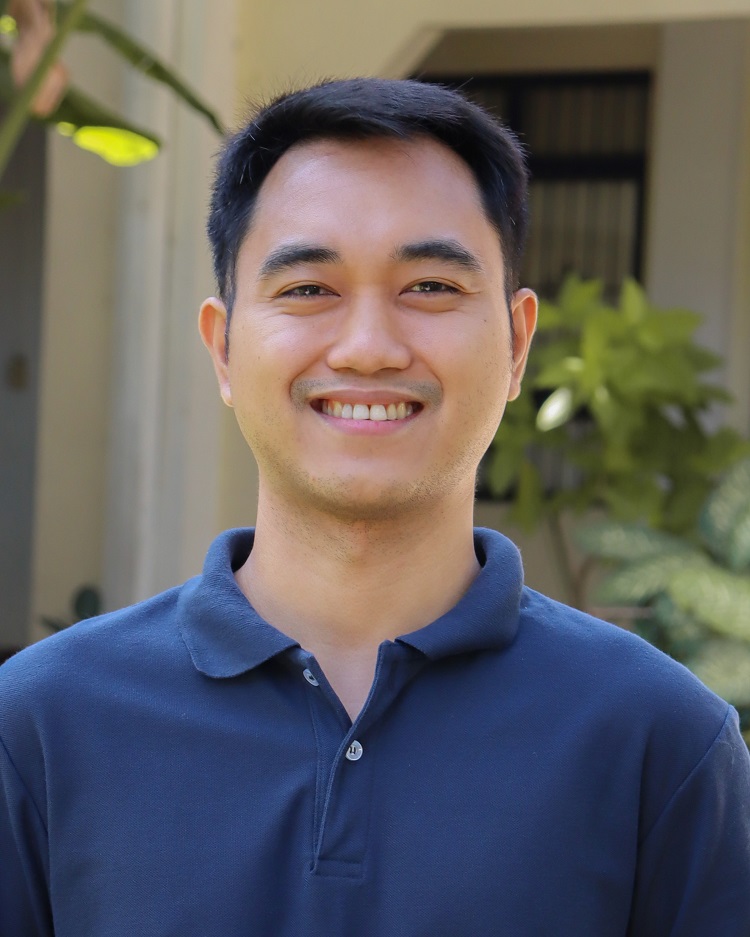 |
| CORBITA, Cristily C Admin Staff |  |
| SUAN, Aljyne C Accounting Staff | 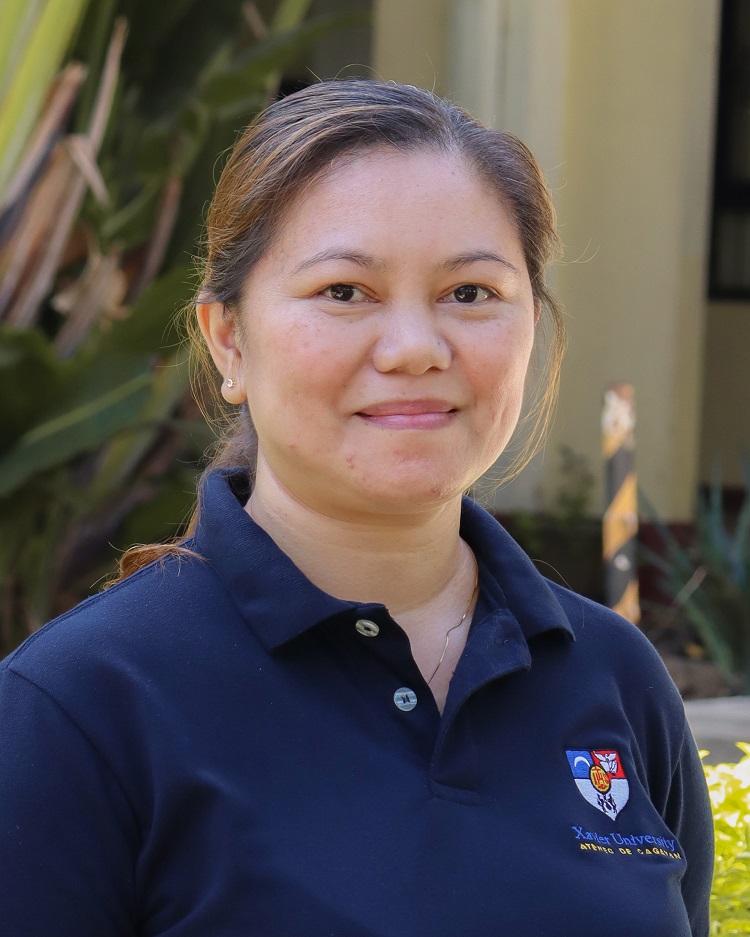 |
ENROLLMENT PROCEDURE
Second Semester, AY 2024-2025
Undergraduate Degrees
SCHEDULE:
Regular Enrollment: 6-11 January 2025 (Self-service enrollment)
Delayed Enrollment: 13-22 January 2025 (Self-service enrollment)
23-25 January 2025 (Administrative enrollment)
INCOMING FRESHMEN, TRANSFEREES, & SECOND COURSERS
Accomplish enrollment form.
Accomplish the enrollment form. Make sure to accurately supply the necessary details asked in the enrollment form. Access the document link below for further enrollment instructions.
- Proceed to University Clinic for Medical & Dental Exams.
Go to the University Clinic (Campion Hall Room 105) for a medical and dental exam. Bring a recent 1x1 ID picture, vaccination card (hard or soft copy), and ballpen for filling up the health record. Secure clearance slip from the clinic personnel.
- Submit Hard Copy of SHS Report Card or Transfer Credentials.
For incoming freshmen, submit your SHS Report Card (with remarks eligible for admission to college and duly signed with wet signature by the Principal). For transferees, submit the hard copy of your Transfer Credentials. Submit these alongside the clearance slip from the University Clinic and a clear photocopy of your PSA birth certificate to the Office of the University Registrar (Xavier Hall Ground Floor).
- Wait for status update and further instructions via email.
After completing the form for enrollment, wait for the confirmation email to be sent to the email address you used in the enrollment form.
UPPERCLASSMEN
- Pay down payment.
Pay a minimum of Php 3,000.00 down payment at the Finance Office or any of the accredited payment centers found in this link.
- Accomplish enrollment form.
Accomplish the enrollment form of your respective college. Please use your My XU Email in accessing the enrollment forms to avoid problems with the email address you will provide. Form links are found below. Enrollment forms will close on 24 January 2025 (Fri) at 5:00 PM
- Wait for term activation.
After completing the form for enrollment, you will be cleared by the Finance Office and Dean. Once cleared by both offices, you will then be term activated. Wait for the notice for your term activation.
- Enroll courses in your prescribed study load.
Once term activated, proceed to self-service enrollment and enroll ALL the courses in your approved study load.
- Verify enrolled courses.
Make sure you are enrolled in ALL your courses for the semester.
ENROLLMENT FORM LINKS:
- College of Agriculture - https://forms.gle/3C1oy3YNLpGxcqw16
- College of Arts and Sciences
- continuing freshmen from 1st sem - https://forms.gle/feeaJ41xMwjLNSZKA
- upperclassmen - https://forms.gle/J7K9dWndXd3T8mVGA
- College of Computer Studies - https://forms.gle/M2dHph7C12Durndy9
- College of Engineering - https://forms.gle/7Qo4nTNhDdfK1DXL9
- College of Nursing - https://forms.gle/5oDLzqVBD55Ss9Ku6
- School of Business and Management - https://forms.gle/RxCMUapfwXVWfyhx7
- School of Education - https://forms.gle/iZNRHK44AdTD5WJb7
FOR REQUEST TO SHIFT ACADEMIC PROGRAM:
1. Accomplish the following form below after Step 1 (Pay down payment) - https://forms.gle/fxaGTTrxofUUVv67A
2. After request for program shift is approved, wait for instructions from the Chair/Dean of new program to proceed with enrollment.
Note:
- Use My XU email in all transactions relating to your enrollment. Should you encounter issues with your My XU email, please use your personal email address.
- Regularly check your email for notices from the Finance Office, CISO, Registrar’s Office or your Department Chair for some deficiencies that may cause delays in the processing of your enrollment.
- Classes start on 13 January 2025.
- Final enrollment transactions will be processed on 25 January 2025 (Sat). No more enrollment transactions will be accommodated after 25 January 2025.
Contact Us at
2/F Lucas Hall Building, CH 213
Email: This email address is being protected from spambots. You need JavaScript enabled to view it.;
Website: https://www.xu.edu.ph/ktto
| EMATA, Marie Antonette B, CPA, MBA Coordinator, Knowledge & Technology Transfer Office |  |
| AWAYAN, Iana Edrianne M Staff | 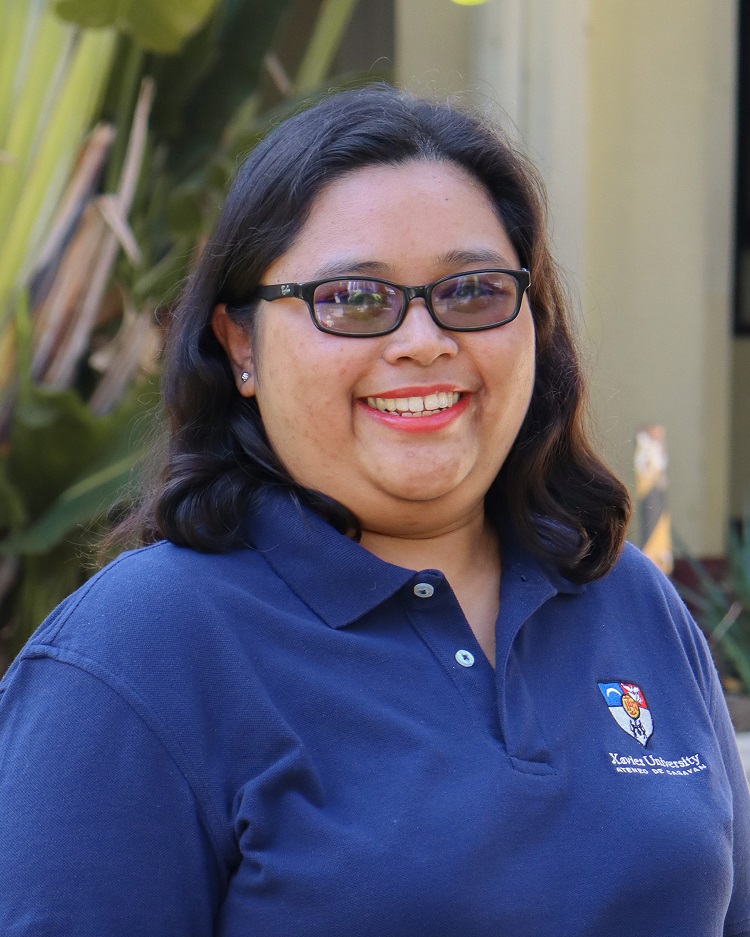 |


